To import in the employee details, users would need to download the excel template and fill it up.
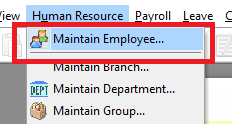
1. Go to [Human Resource], [Maintain Employee]
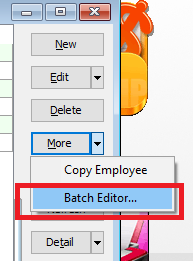
2. Select [More], [Batch Editor]
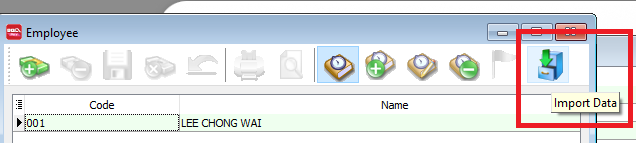
3. Select [Import Data]
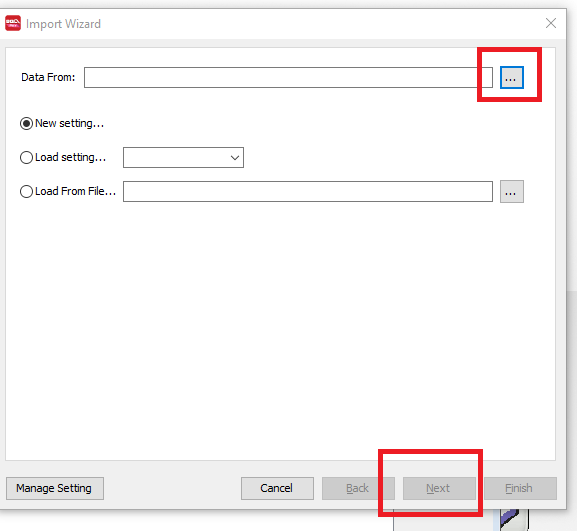
4. Click on the [...] and select the excel template. PLEASE NOTE - excel template has to be saved as a csv format to be imported. Click [Next] to continue.
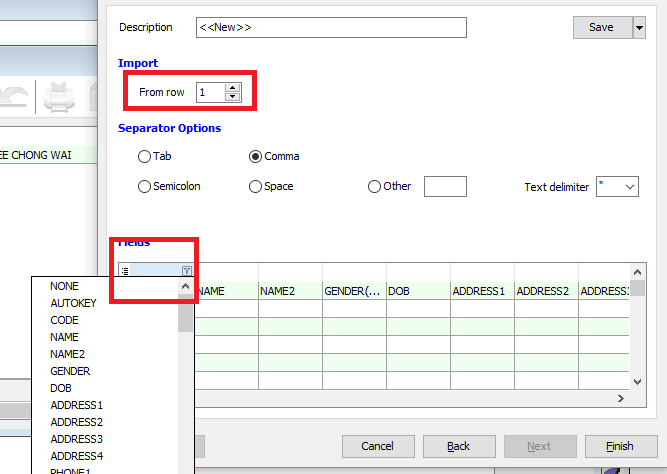
5. Change the [Row] to 2 and match the field according to the header. Click [Finish] after matching all the columns.
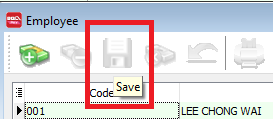
6. Click [Save] to commit the saved transaction.